Polling for education, associations and events
See the reasons behind every response.
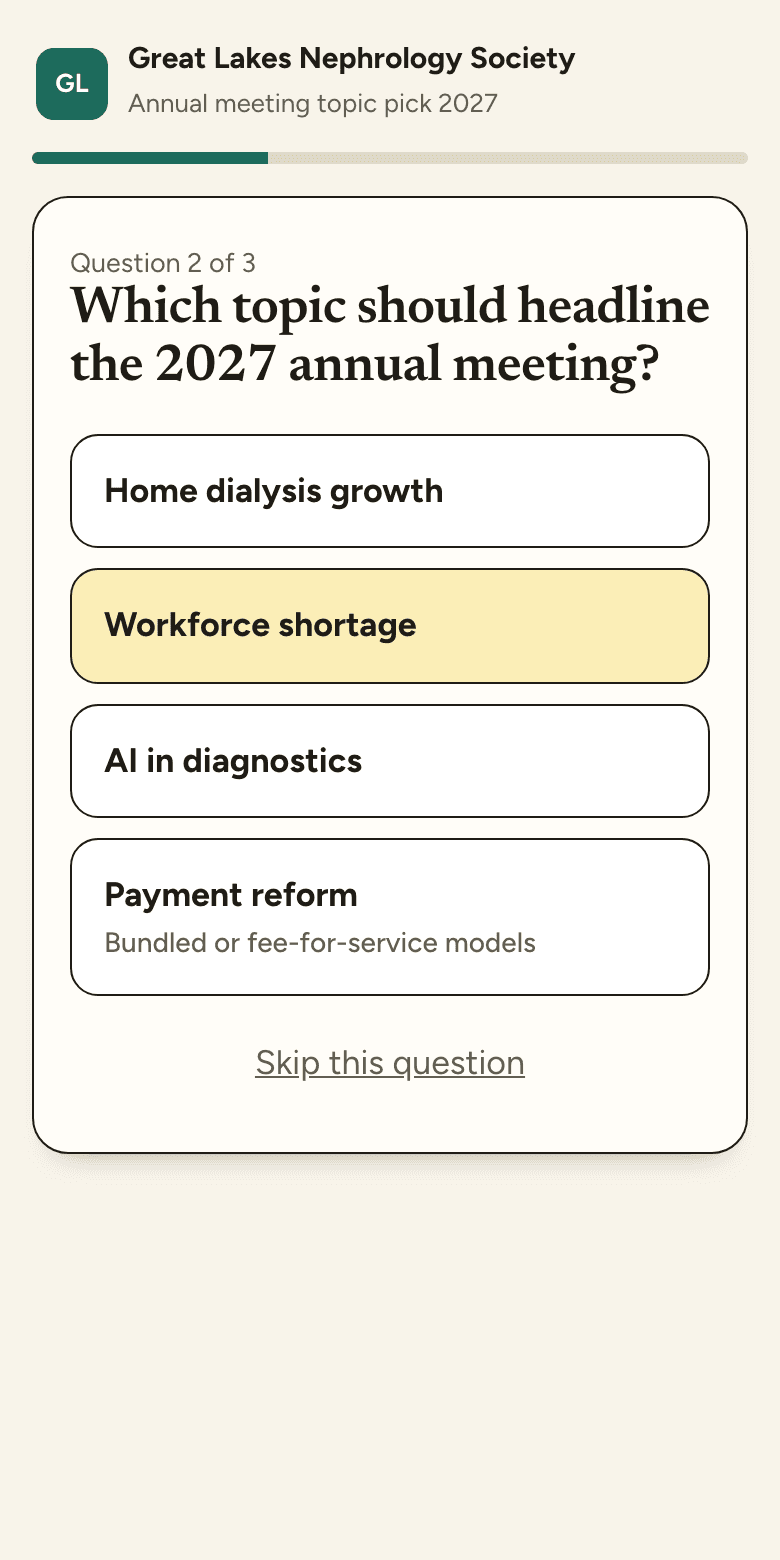
Ask one question at a time. Participants choose an answer and, when it matters, add a reason. Results keep both together.
Your first 3 polls are free.
- Ask it.Pick a template
- Share it.QR, link or code
- Hear the why.Reasons beside results
- 0Apps to install
- 0Accounts needed
- 1Question at a time
- ∞Follow-ups on the same poll
Made for people who teach, host and study
Ask. Share. Hear the why.
From a blank page to live results in a few minutes.
Ask it
Start from a template or write your own question, and add a prompt that asks people why.
- Single choice, multiple choice, rating or open text
- Your questions in a conversational flow
- Your organization name, initials and color
Share it
Put the QR code on a slide, drop the link in an email, or read out the short poll code.
- Opens in any phone browser
- Invite by email or show a QR code
- Members can forward it on
Hear the why
Bars move live on the big screen. Reasons and comments sit right next to the numbers.
- Presenter view for the room
- Reasons, grouped and counted
- Export CSV or print a report
Follow up
Opinions change. Reword a confusing question, add a follow-up, or ask again next month.
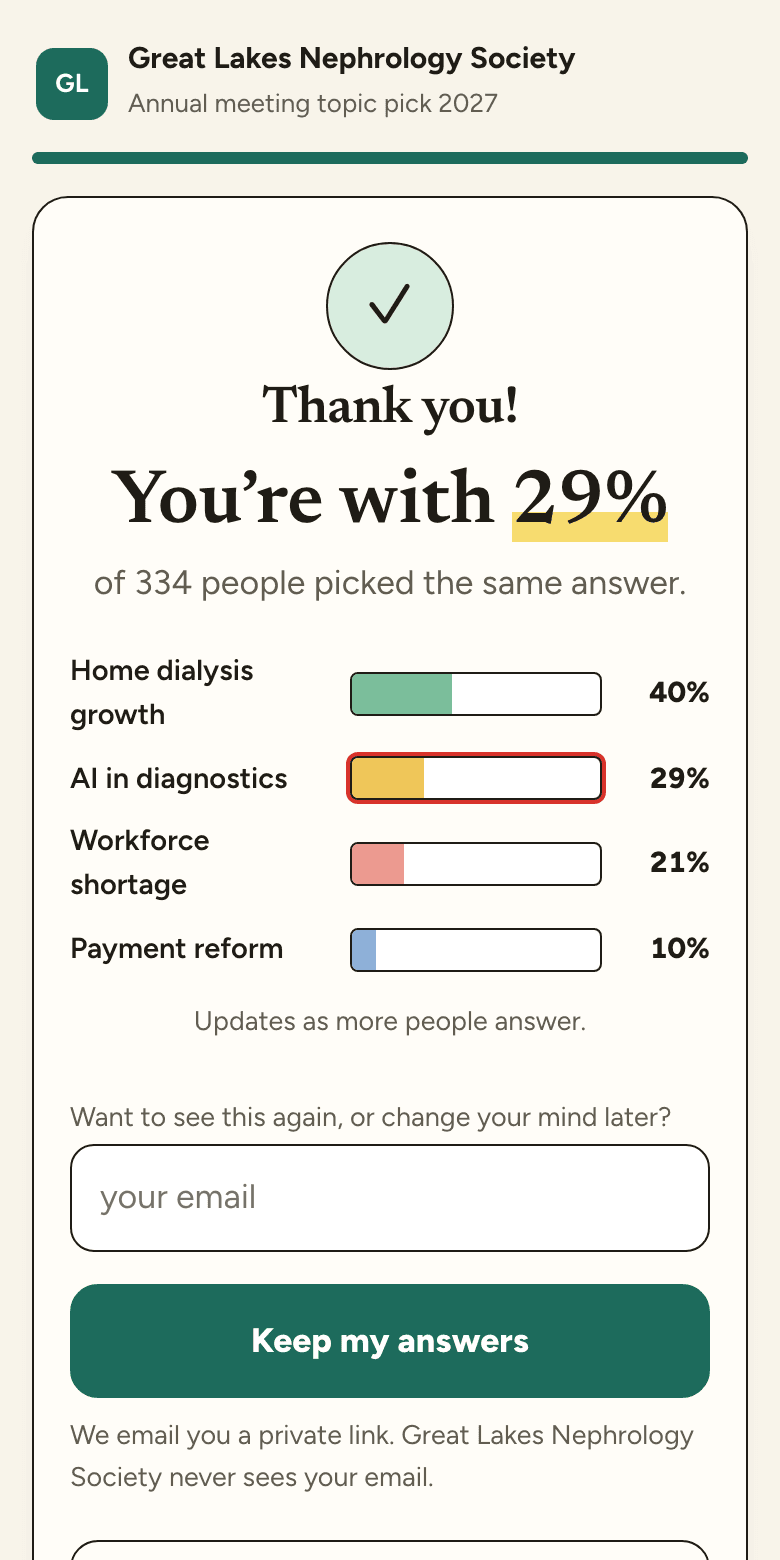
- People can come back and change answers
- Every version of a question is kept
- See who moved, and why
Most poll tools stop at the count.
Reasons and comments sit beside the percentages, with the sample size and dates a report needs.
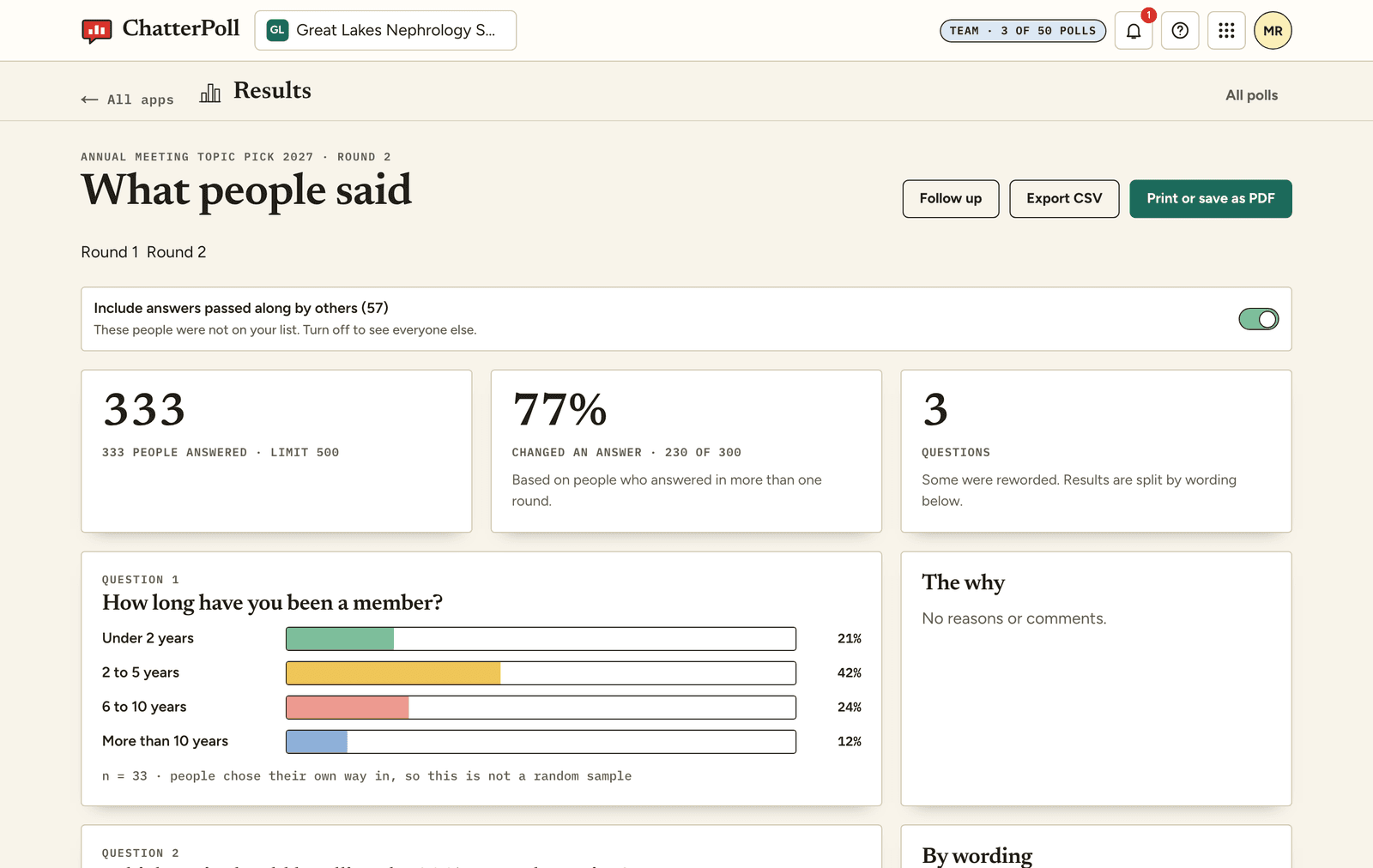
- Sample size and dates, ready for your report
- What people chose, with the reasons grouped and counted
- Comments, word for word, tied to the choice behind them
- Before and after scores for knowledge checks
Living polls
People change their minds. Your poll can keep up.
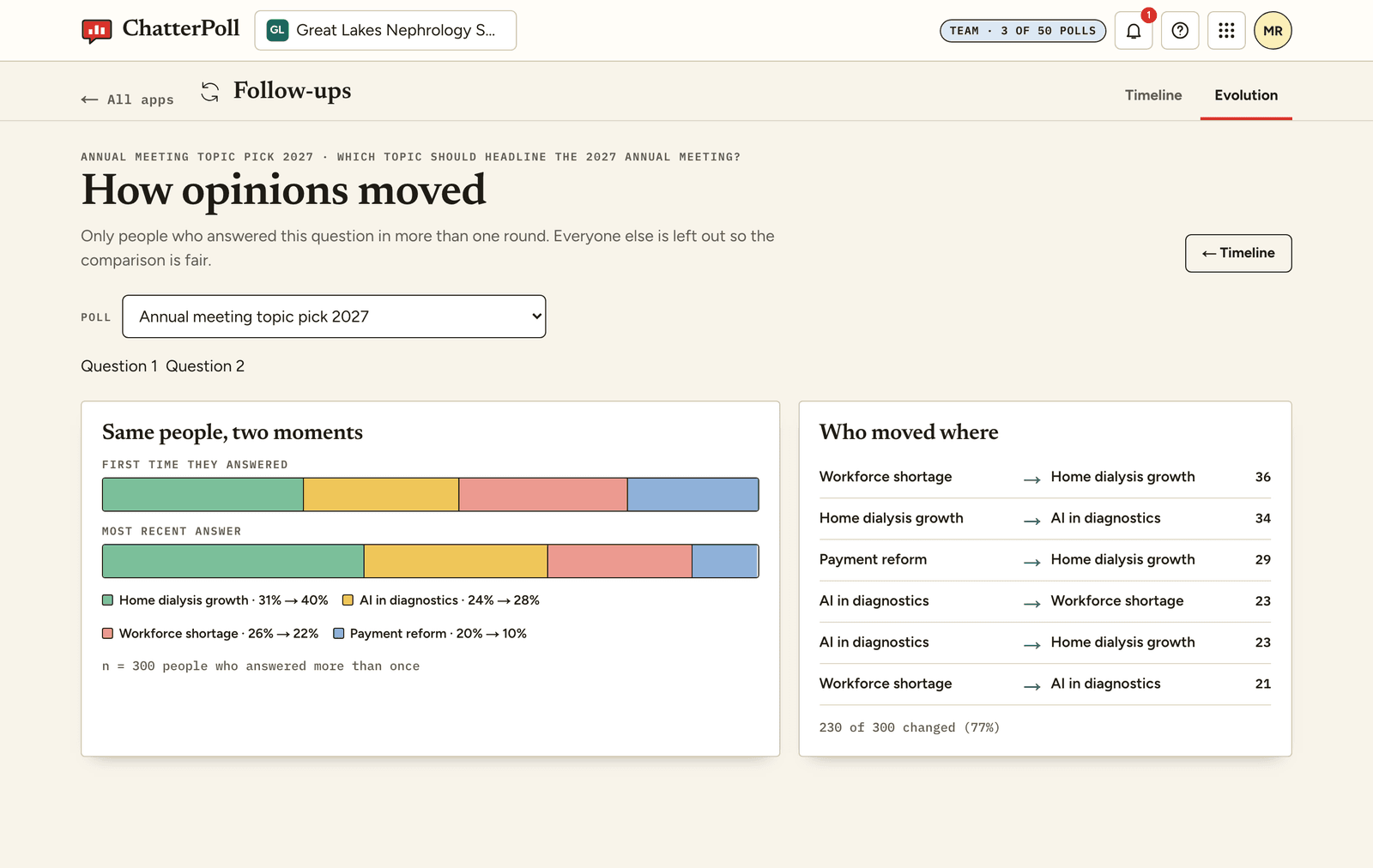
A new fact, a clearer question, a talk in the hallway. People can save their answers with an email and come back to change them. You can reword a question, add a follow-up or ask again, and see how the answers moved.
- Fix a confusing question without losing the history
- Ask the same people again, and see who changed their mind
- You see an email only if the person shares it
Who it’s for
Association member polls
Ask members what to teach, what to change and what to fund. See the reasons next to the votes, and ask again when things move.
see how →Conference and trade show feedback
Collect session ratings and reasons from a room in minutes. A QR code on a slide, live bars on the big screen, results ready before people leave.
see how →Class polls for lectures and seminars
Ask a muddiest-point question, check understanding and see why students chose each answer. Works on any phone, no student accounts.
see how →CE program evaluations
Run CE evaluations and pre/post knowledge checks with the sample size, dates and question history your report needs.
see how →Consensus rounds and research polls
Rate, explain and re-rate across rounds. Every question version and round is kept, ready for a methods section.
see how →Start with a template.
Ready-to-edit questions for education, associations, events and research.
Session feedback
Was it useful, new and well taught? Reasons included.
“Would you change your practice?”
LearningPre / post knowledge check
Ask before and after. See the gain, question by question.
“Which is the first-line approach?”
ProgramsCE evaluation starter
The questions evaluation teams ask, in a friendly flow.
“Did this meet your objectives?”
EventsSponsor booth poll
Real feedback for exhibitors, no clipboard needed.
“What did you come to find out?”
ResearchConsensus round
Rate, rank and explain. Clean numbers for the write-up.
“How confident are you?”
PlanningNext year's topics
Let members vote on what to teach, and say why.
“Which topic should we add?”
How it differs from a typical poll tool
| A typical poll tool | ChatterPoll | |
|---|---|---|
| What people see | A form, or a list of options | One friendly question at a time |
| What you get | Counts, maybe a word cloud | Counts, reasons and comments |
| Evidence | A screenshot of the chart | n, dates, wording, versions and change over time |
| After the poll closes | It’s over; start again from scratch | Revise, add follow-ups and re-poll the same people |
Start with three free polls.
Poll Pass
One poll, no subscription.
- 1 poll
- Up to 250 people
- Never expires
Pro
For faculty and consultants.
- 10 polls a month
- Up to 250 people per poll
- $19 if billed monthly
Team
For a small group.
- 50 polls a month
- Up to 500 people per poll
- 5 seats and no footer
- $69 if billed monthly
Organization
Universities and associations.
- Polls and audiences to fit
- Roles, audit log, invoicing
- Named support contact
- Security review on request
All plans include living polls, follow-ups, templates and exports. More people on one poll: 250 for $6. Follow-up rounds don’t count as a new poll. ChatterPoll doesn’t accredit anything; your accrediting organization sets the rules.
Quick answers.
Do participants need an account?
No. They open the link or scan the code and answer. To change an answer later, they can save it with an email and get a private link. Answering is always free.
What do the free polls include?
Each of your first three polls takes up to 50 people and has every feature. Results stay readable and exportable after the poll closes.
Is it too playful for a medical or scientific audience?
The participant experience is warm and conversational, while questions, privacy details and results stay clear and direct. Your organization's name, initials and color appear on the poll.
What happens when a poll is full?
New people see a message that the poll has reached its limit, and you get an email. People who already answered can still change their answers. You can add 250 more people for $6 or move to a bigger plan.
Can people change their answers later?
Yes. Anyone who saved their answers with an email can come back, change an answer and respond to follow-ups. You see their email only if they choose to share it.
Create your first poll.
Start with a template or write your own. It takes about two minutes.